I wouldn't sell it as "The Answer", but instead say it's "something to try that might help". Watch out for enhancements that might not work in 64-bit.
------------------------------
Kevin Moyes
Technical Systems Analyst
Munjal White Consulting Co.
------------------------------
Original Message:
Sent: 05-19-2023 15:30
From: David Overholt
Subject: v2023 Watch Vigil
Does anyone know if Sage's SPM statement below means that switching to the 64-bit version will definitely fix the issue of hanging transaction register issue?
Windows 11 Pro and Enterprise are not recommended for Sage 100 2022 32-bit, due to unresolved issues in the
Microsoft Print Server. Sage 100 2022 64-bit is recommended for Windows 11 operating systems
I have a client that is getting very annoyed with the issue and I don't want to switch them and then not have it fixed.
------------------------------
David Overholt
DWD Technology Group
------------------------------
Original Message:
Sent: 04-28-2023 17:19
From: Jeff Schwenk
Subject: v2023 Watch Vigil
Apparently, you need a key for Crystal now???
------------------------------
Jeff Schwenk
Bottomline Software, Inc.
(540) 221-4444
Original Message:
Sent: 04-28-2023 15:33
From: Kevin Moyes
Subject: v2023 Watch Vigil
FYI,
News that v2023 includes a new version of Crystal Reports and an updated Amyuni (Paperless) driver made me nervous... but I installed v2023 on a test machine, and was able to print / PDF from v2021 afterwards without issue.
------------------------------
Kevin Moyes
Technical Systems Analyst
Munjal White Consulting Co.
Original Message:
Sent: 04-27-2023 19:58
From: Wayne Schulz
Subject: v2023 Watch Vigil
Looks like they haven't figured out the hanging transaction register issue.
Via the SPM for Sage 100 2023
Windows 11 Pro and Enterprise are not recommended for Sage 100 2023 32-bit, due to unresolved issues in the
Microsoft Print Server. Sage 100 2023 64-bit is recommended for Windows 11 operating systems.
------------------------------
Wayne Schulz
wayne@s-consult.com
Schulz Consulting
(860) 516-8990
Moodus, CT
Original Message:
Sent: 04-27-2023 19:53
From: Wayne Schulz
Subject: v2023 Watch Vigil
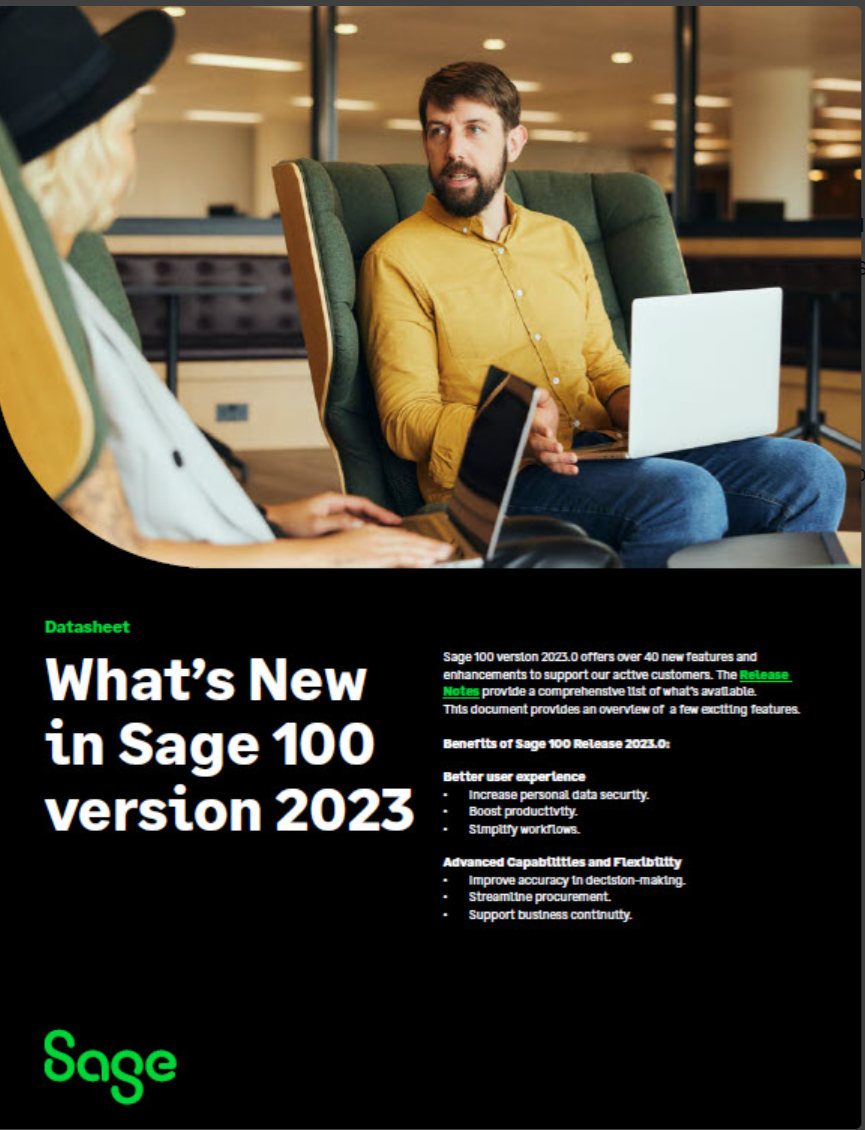
Sage 100 is not retiring or dead! 2023 is available now
Includes a PDF of new features that can be sent to end users
------------------------------
Wayne Schulz
wayne@s-consult.com
Schulz Consulting
(860) 516-8990
Moodus, CT
Original Message:
Sent: 04-27-2023 12:47
From: Jeff Schwenk
Subject: v2023 Watch Vigil
Downloads are posted
------------------------------
Jeff Schwenk
Bottomline Software, Inc.
(540) 221-4444
Original Message:
Sent: 04-26-2023 22:10
From: Jeff Schwenk
Subject: v2023 Watch Vigil
Is it me or is Sage inflating what they fixed for this release? Seems like a lot and I recognize one or two that were fixed and released six months ago.
------------------------------
Jeff Schwenk
Bottomline Software, Inc.
(540) 221-4444
Original Message:
Sent: 04-26-2023 19:38
From: Wayne Schulz
Subject: v2023 Watch Vigil
Parts of the documentation are rolling out - https://cdn.na.sage.com/docs/en/customer/100erp/Documentation.htm
------------------------------
Wayne Schulz
wayne@s-consult.com
Schulz Consulting
(860) 516-8990
Moodus, CT