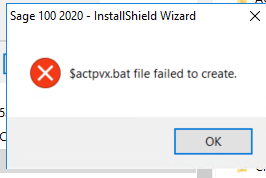
Installing v2020 ADV tonight. Encountered error below. Clicked OK and install finished. Looked in the home folder and file was indeed not there. Found nothing on the KB. Looked at the Activate.pvx file and it did not update (01/30/20 file date). I copied the $actpvx.bat file from their v2017 install to the Home folder. Double clicked on it. the activate.pvx table did not change.
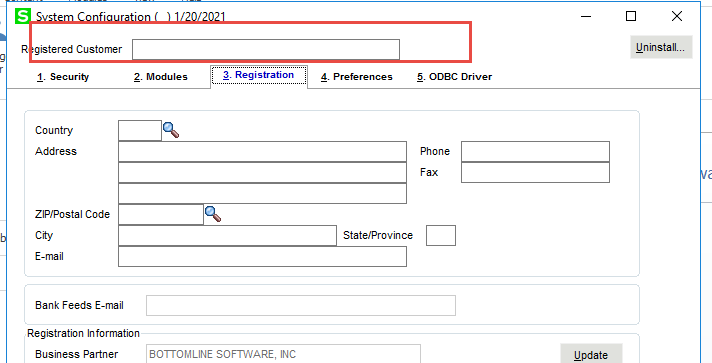
Also under the system configuration menu, the company name does not appear and I cannot add it. I can add the address information but then message appears Registered customer name is required.
Thoughts? Uninstall and try again? Locate the system table and update via DFDM?
TIA
------------------------------
Jeff Schwenk
FORMER 90M Board Member
Bottomline Software, Inc.
Waynesboro VA
540-221-4444
------------------------------