Sage 100

 View Only
  • 1.  StarShip: Failed To Connect To Source - SaveCustomFields is not supported for shared mode

    Posted 06-13-2024 14:32

    Sage 100 Premium v2022

    Using StarShip 24.0.3 with StarShip Link

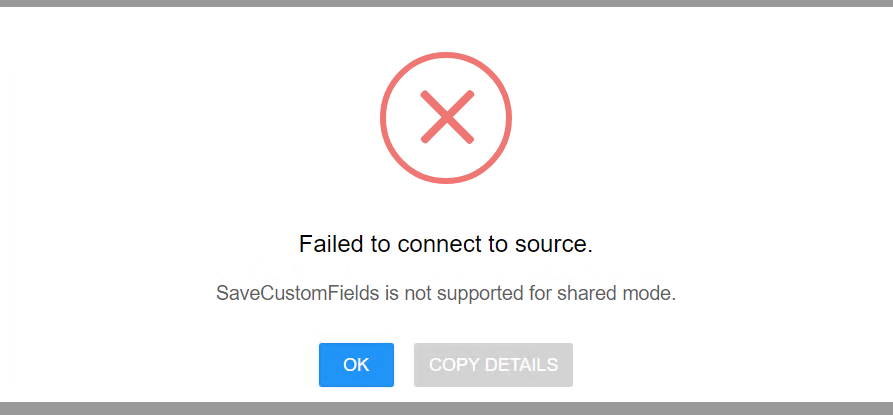
    In preparation for enabling OAUTH2  I go into StarShip Web and after logging in as admin I get this: 

    I have NOT yet notified V-Technologies to enable OAUTH2 on this customer account ( maybe that's the cause? ). I'm hesitant to have them enable the OAUTH because if I keep getting the error I see myself having to disable OAUTH and keep answering the "when can we ship", "can we restore", "what should we do" ( repeat five times).

    Anyone run into this and have any feedback

    Failed to connect to source

    SaveCustomFields is not supported for shared mode


    ------------------------------
    Wayne Schulz
    wayne@s-consult.com
    Schulz Consulting
    (860) 516-8990
    Moodus, CT
    ------------------------------


  • 2.  RE: StarShip: Failed To Connect To Source - SaveCustomFields is not supported for shared mode

    Posted 06-13-2024 14:38

    I've seen this a few times.  Go to Starship Connector.  You need to edit the connector name.  Three horizontal bars on the left.  Setup Home, Set up your source interfaces.  Click the pencil to the right of the appropriate link.


    ------------------------------
    Doug Higgs
    Midwest Commerce Solutions, Inc
    (312) 315-0960
    Chauffeur, Chef, and Personal Assistant to Sprinkles
    ------------------------------


  • 3.  RE: StarShip: Failed To Connect To Source - SaveCustomFields is not supported for shared mode

    Posted 06-13-2024 14:41

    I just noticed the message you have is slightly different.  he ones i have encountered don't mention "shared mode".


    ------------------------------
    Doug Higgs
    Midwest Commerce Solutions, Inc
    (312) 315-0960
    Chauffeur, Chef, and Personal Assistant to Sprinkles
    ------------------------------


  • 4.  RE: StarShip: Failed To Connect To Source - SaveCustomFields is not supported for shared mode

    Posted 06-13-2024 14:49

    I think this is a somewhat different message. I fear that I'm headed to support before I event begin. It would be a lot easier if there was a more complete knowledgebase since almost all these errors seem like quick fixes once you know what they are.


    ------------------------------
    Wayne Schulz
    wayne@s-consult.com
    Schulz Consulting
    (860) 516-8990
    Moodus, CT
    ------------------------------


  • 5.  RE: StarShip: Failed To Connect To Source - SaveCustomFields is not supported for shared mode

    Posted 06-13-2024 15:46
    Edited by Wayne Schulz 06-13-2024 15:58

    We pretty amazingly were able to connect with V-Technologies in under 5 minutes. I can't tell what the exact cause of this issue was. Initially V-Technologies told us to ignore the error and we didn't need to worry about it just to get to OAUTH2.

    I could see that the V-Tech tech did these steps: 

    1. Make sure everyone is out of StarShip ( this could have been part of my issue since I was looking at this before and people were in StarShip)
    2. Did the registry entry on the server ( Switch to UPS OAuth 2.0 instructions (OnPrem) )
    3. Made the OAUTH change on the V-Tech side
    4. Did the StarShip Server - Tools - Check for Registration/Update
    5. Went into the UPS carrier and we saw the AUTHORIZE and he clicked and this went smoothly ( UPS OAuth Account Setup )
    6. Checked and the error went away ( on the web client on the server )
    7. Was able to leave web client open then go into Sage 100 and pull in a test shipment and get carrier rates for UPS
    8. Users at other workstations then went into their StarShip and found they were able to process shipments as well.

      I am not sure that I know the above 100% resolved the issue as the tech also may have removed and added the Sage company code in the area that asks for information on the connector.

    I wasn't on the call with the customer and in all the support cases that I've been involved in with V-Technologies they typically get in and get out pretty quickly with minimal feedback on how they resolve the issue.

    End result is we seem to be setup for OAUTH2 and the Failed to Connect to Source is no longer appearing

    Added to our V-Technologies knowledge share here - KB: Failed To Connect To Source - SaveCustomFields is not supported for shared mode


    ------------------------------
    Wayne Schulz
    wayne@s-consult.com
    Schulz Consulting
    (860) 516-8990
    Moodus, CT
    ------------------------------