I've had a tiny handful of customers use the built in MS Office Template merge functionality ( aka Office Template Manager ).
I have one now that noticed a specific template was missing from the list that they have used recently.
I try to add it:
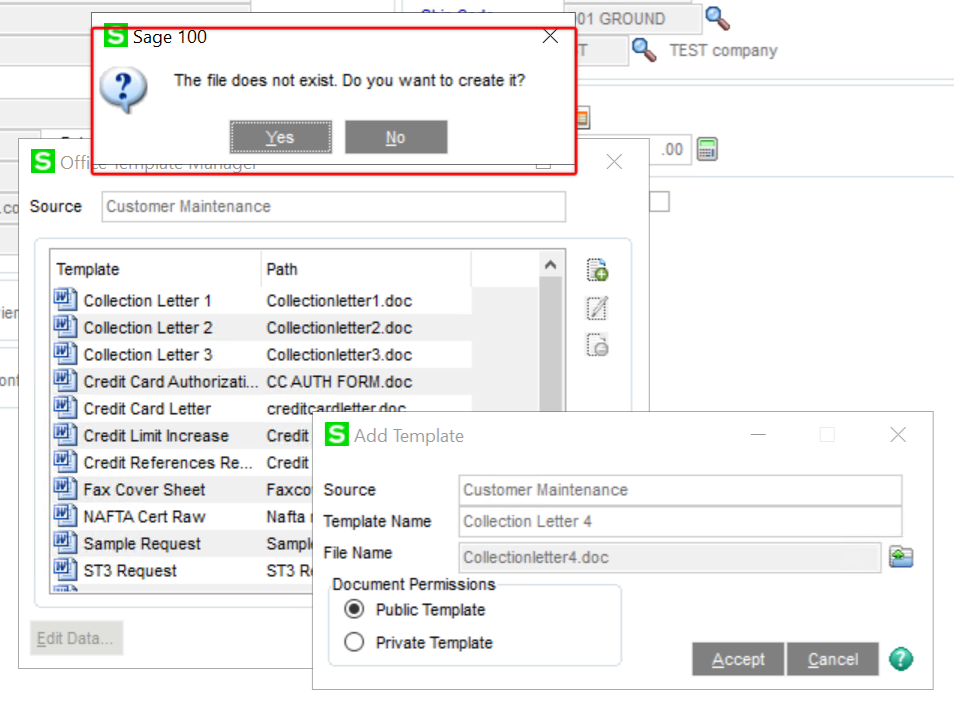
And I'm greeted with
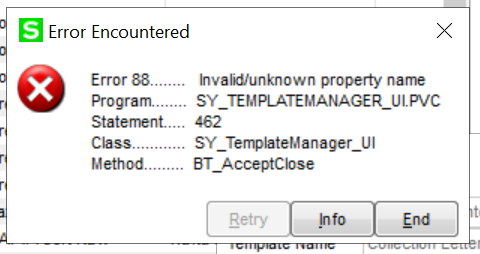
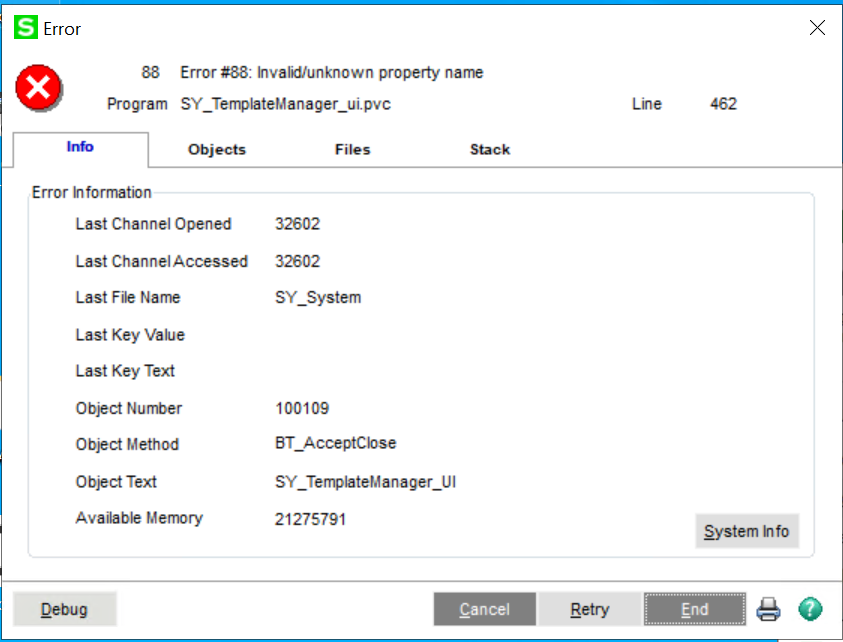
I tend to think of the Office Merge functionality as a "one and done" feature Sage added several versions ago and keeps pulling the functionality forward without making much improvement. I have tried looking in the KB though I'm not finding much there about the feature or how to debug it.
What's also intriguing is when I tested it first thing this morning the merge document did show up in my list ( and it tested ok ) and then the customer called and said it wasn't there for them. Sure enough when I looked the merge document wasn't an option for me either.
I've suggested that the customer should open a case directly with Sage since there doesn't appear to be much in the knowledgebase around this particular feature.
Has anyone experienced anything similar or have a suggestion for a better resource on Office Merge functionality in Sage 100?
------------------------------
Wayne Schulz
wayne@s-consult.comSchulz Consulting
(860) 516-8990
Moodus, CT
------------------------------